
SaaS
CRM Software for Small Businesses
Explore CRM software for managing business contacts, sales enquiries and customer relationships. Browse provider websites to compare pipelines, activity tracking and integration options.
Directory overview
About this guide
Map your current sales or service process before comparing features. Identify who will use the system, what information needs to be recorded and which follow-up steps should be visible. A manageable workflow that staff consistently use can be more useful than a long list of features you do not need.
Check per-user pricing, automation limits, reporting, access controls and connections to email or other tools. Test importing a small set of appropriate sample records and exporting them again. Discuss onboarding and support with the provider. Directory inclusion does not imply that a CRM fits every business or automatically improves sales.
Explore websites
Directory listings
Browse approved listings related to this topic.
Paid placements are marked Sponsored
SaaS
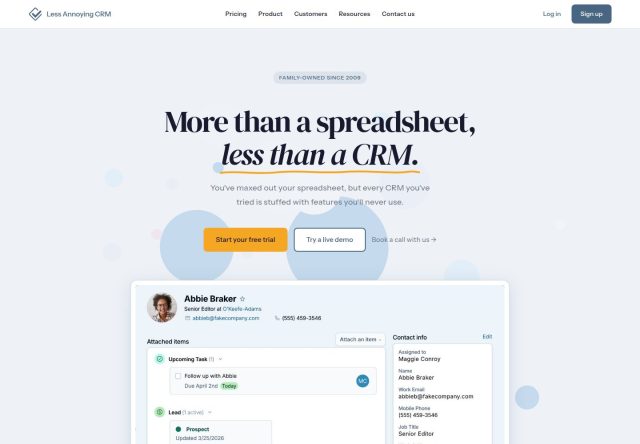
Less Annoying CRM
Less Annoying CRM provides contact and sales management software designed for small businesses.
SaaS
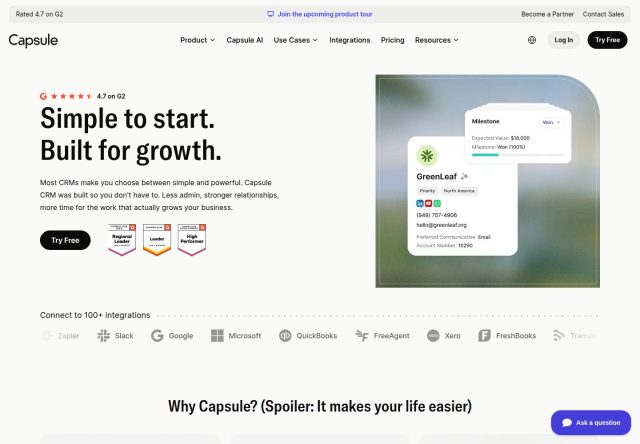
Capsule CRM
Capsule provides CRM software for managing contacts, sales opportunities and customer relationships.
SaaS
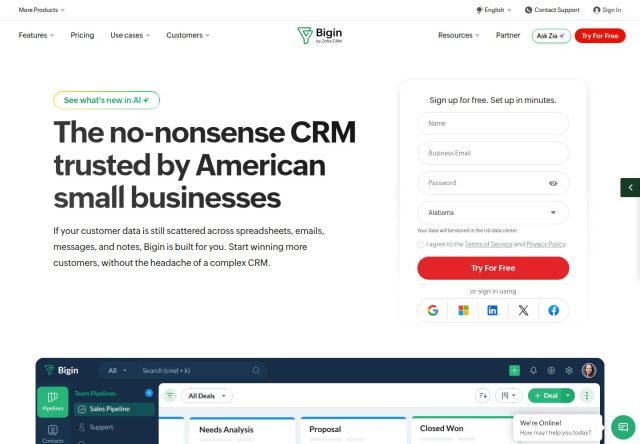
Bigin by Zoho CRM
Bigin provides CRM software for small businesses, with tools for managing contacts, pipelines and customer activities.
SaaS
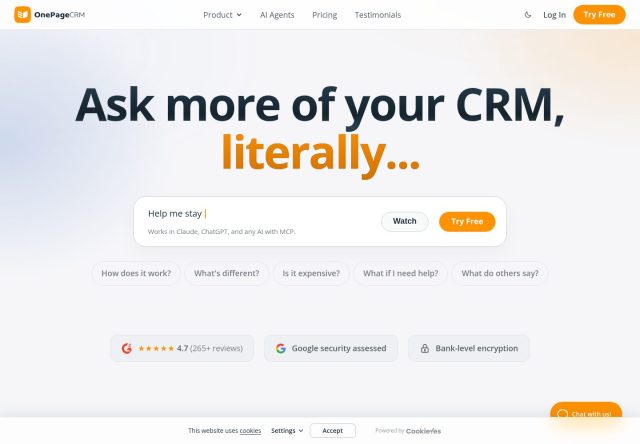
OnePageCRM
OnePageCRM provides sales CRM software with contact management and action-focused follow-up tools.
SaaS
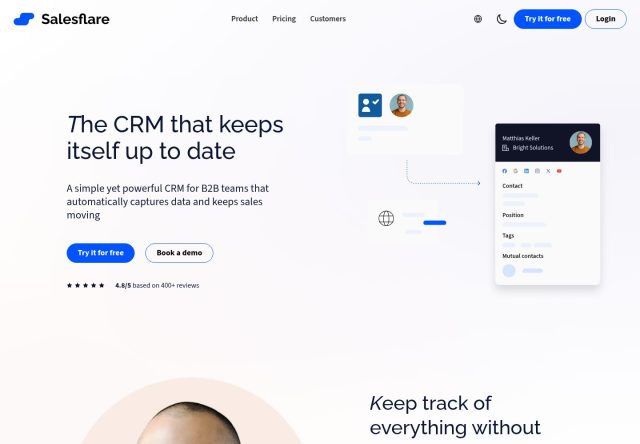
Salesflare
Salesflare provides CRM software for small and medium-sized businesses, with contact management and sales tracking tools.
Helpful information
Frequently asked questions
It helps to outline your process first, including stages, ownership and follow-up needs. Then test whether the software can support it clearly.
Review field mapping, duplicate handling, permissions, import limits and export options. Test a small sample before transferring a full dataset.
Last reviewed Sep 11, 2026.